Modal Sandboxes Launch: Secure Environment for Untrusted Code Execution
- Gate
- Machine Learning
- Departs
- Crew
- Joseph Jones
- Passengers
- 405
Modal Sandboxes are now generally available, offering a secure environment for executing untrusted code with dynamic configurations and robust functionality.
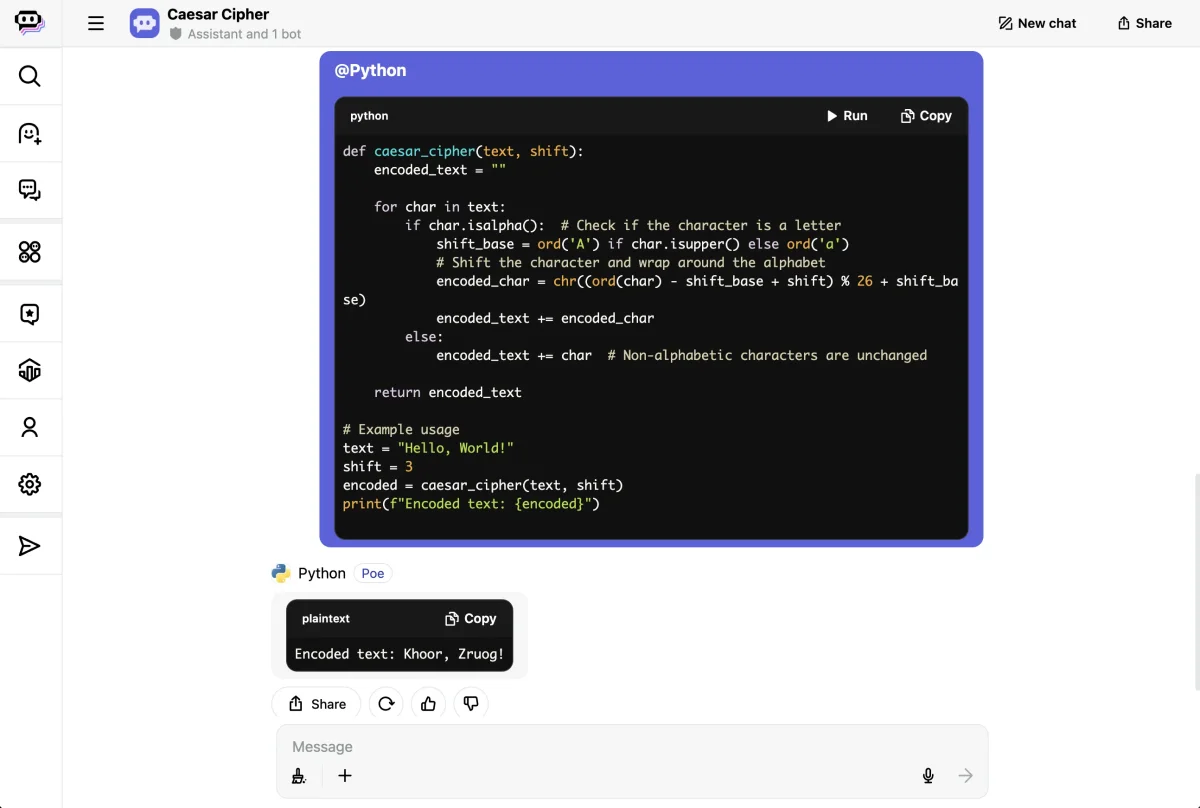
Modal Sandboxes have officially launched, providing a robust solution for executing untrusted code safely. These sandboxes are essential for applications where security is paramount, particularly when integrating with user-generated input or code generated by large language models (LLMs). The primary goal of Sandboxes is to allow code execution in an isolated environment, mitigating the risks associated with potential malicious activity or coding errors.
Background on Modal Functions and Trusted Execution
Modal has developed a framework where users can run their own code through a feature known as Functions. These Functions can utilize various Modal services, enabling interactive manipulation of Secrets, Volumes, and inter-Function communication. This system inherently trusts the code that users deploy because it is authored by them.
However, increasingly automated systems like agents pose a new challenge. An unchecked AI agent could execute harmful commands or inadvertently cause damage. Therefore, it becomes crucial to enforce a limitation on what untrusted code can execute by isolating it from core resources. The risks associated with not doing so are substantial, including potential data breaches and resource mismanagement.
Functionality of Modal Sandboxes
The newly released Sandboxes allow for a dynamic execution environment where users can run code in various programming languages with a simple exec API. Here's a foundational example:
import modal
app = modal.App.lookup("sandbox-manager", create_if_missing=True)
sb = modal.Sandbox.create(app=app)

p = sb.exec("python", "-c", "print('hello')")
print(p.stdout.read())
sb.terminate()
This illustration shows how a user can create a sandbox, execute Python code, and retrieve the output seamlessly. Moreover, Sandboxes enable the ability to configure the execution environment dynamically, making use of Modal’s Image API. This capability allows users to run code based on specified dependencies orchestrated directly from an LLM output.
llm_output = '{ "requested_packages": ["nodejs", "php"] }'
packages = json.loads(llm_output)["requested_packages"]
image = modal.Image.debian_slim().apt_install(*packages)
sb = modal.Sandbox.create(image=image, app=app)
p = sb.exec("node", "-e", 'console.log("hello from nodejs")')
print(p.stdout.read())
p = sb.exec("php", "-r", "echo 'hello from php';")
print(p.stdout.read())
Advanced Features: Snapshots and Multi-environment Testing
For persistence and multi-state testing, users can create filesystem snapshots within Sandboxes. For example:
sb = modal.Sandbox.create(app=app)
sb.exec("bash", "-c", "echo 'data_file' > /data").wait()
snap = sb.snapshot_filesystem()

# Create multiple Sandboxes using the same snapshot
sb2 = modal.Sandbox.create(image=snap, app=app)
sb3 = modal.Sandbox.create(image=snap, app=app)
p2 = sb2.exec("pytest", "tests/unit")
p3 = sb3.exec("pytest", "tests/integration")
print(p2.stdout.read())
print(p3.stdout.read())
This feature not only streamlines testing across various scenarios but also ensures consistency in execution across multiple environments.
Advantages of Using Modal Sandboxes
By leveraging the same infrastructure as Modal Functions, Sandboxes offer numerous advantages including rapid cold starts and access to high-performance GPUs. The platform's continuous improvements will benefit both Functions and Sandboxes as it evolves.
Integration with existing Modal functionalities allows for efficient feature development that combines both Sandboxes and Functions, enhancing the overall development experience.
Real-World Applications and Customer Success Stories
Several organizations have already integrated Modal Sandboxes into their systems. Here are a few notable applications:
SWE-bench: Accelerating Agent Benchmarking
SWE-bench, an important benchmark for assessing coding agents, now includes Modal integration. The addition of a --modal flag allows researchers to run evaluations effortlessly in the cloud, providing a quick feedback mechanism for LLM performance. They can execute tests in parallel across many containers, significantly reducing execution time compared to previous methods.
Quora: Secure Code Execution in Poe
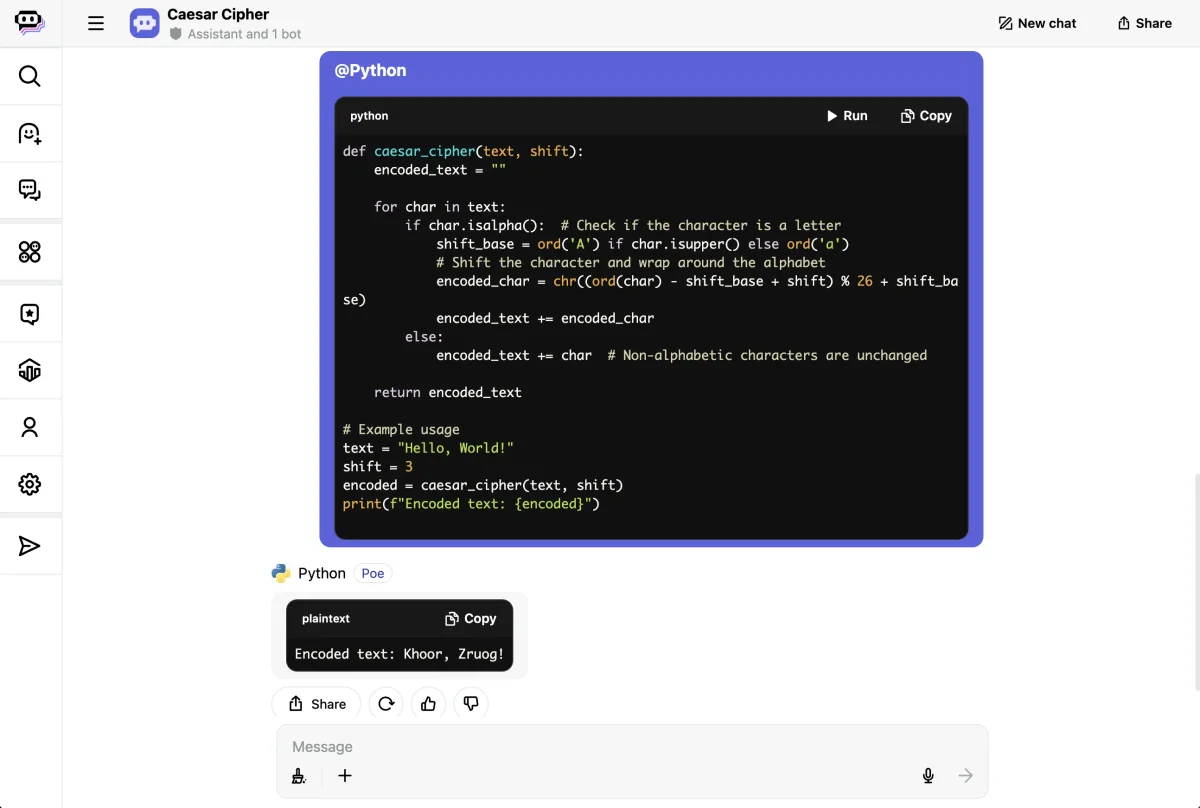
Quora employs Modal Sandboxes within Poe, their AI chat platform, to execute user-generated code safely. The isolation provided ensures that code execution does not interfere with the broader Quora platform or compromise user data.
Codegen: Efficient Code Refactoring
Codegen utilizes Modal Sandboxes for performing extensive codebase refactors. Their architecture benefits from the stability of the modal execution environment. This setup allows for secure, efficient execution of AI-generated transformations without risk to the integrity of their software platform.
Relevance AI: Automating Workflows
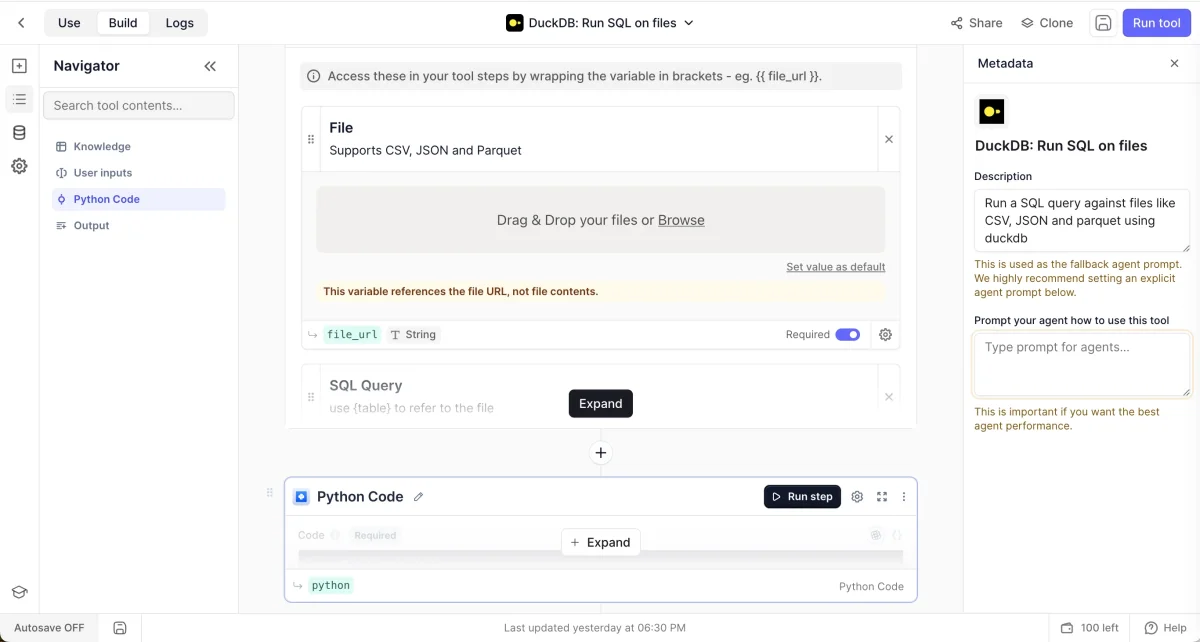
Relevance AI uses Modal Sandboxes to facilitate automation through their AI agents. The ability to install packages on-demand and customize runtime commands ensures their agents can respond flexibly to diverse automation tasks while adhering to security protocols.
Getting Started with Modal Sandboxes
Modal Sandboxes are accessible to all users interested in secure code execution environments. To get started:
- Install the Modal package with
pip install modal. - Create your account by running
python -m modal setup. - Refer to our Sandbox documentation for guidance.
We're eager to see what applications developers will create with Sandboxes, driving new innovations while maintaining stringent security.